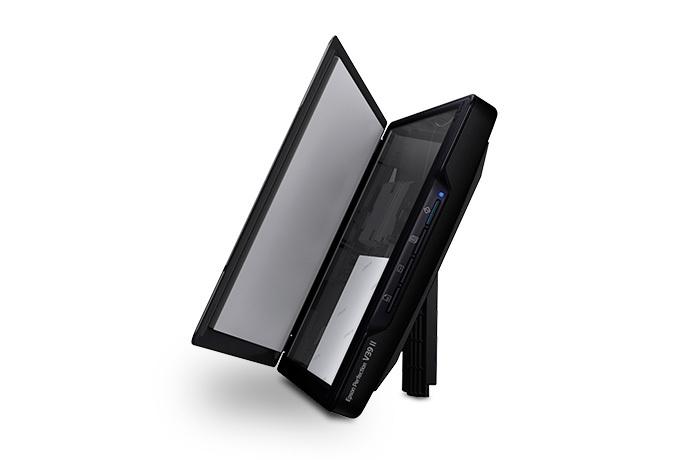
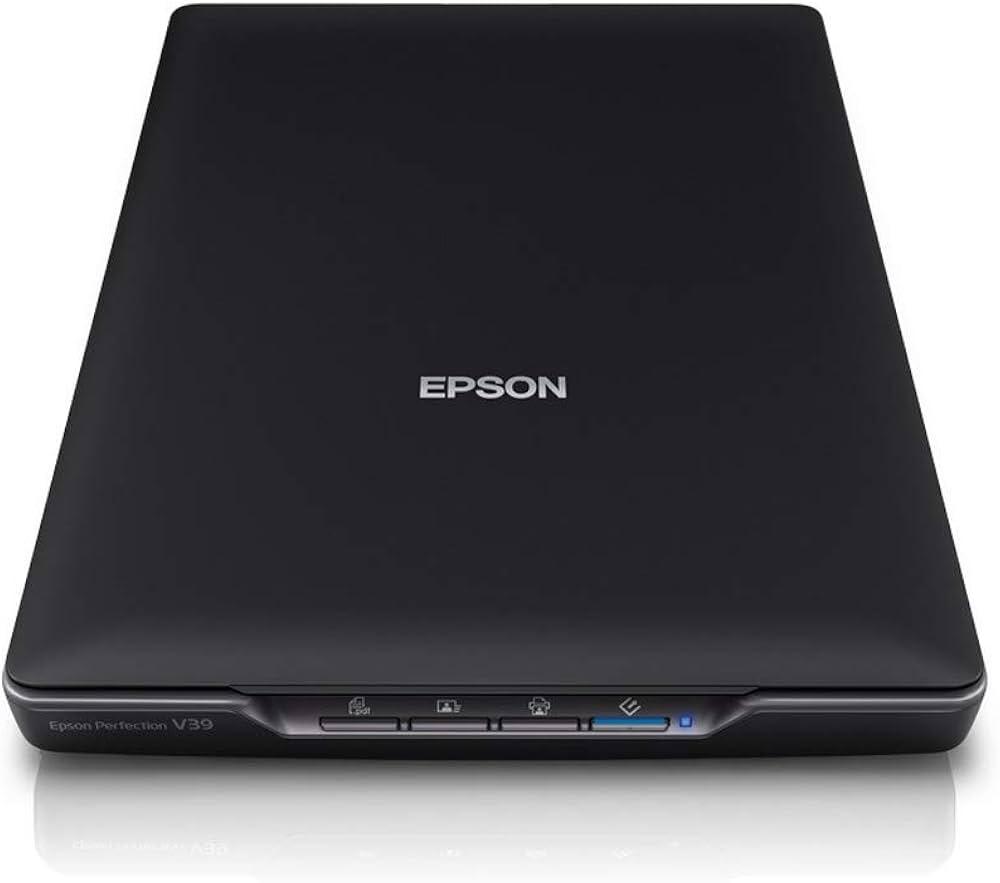
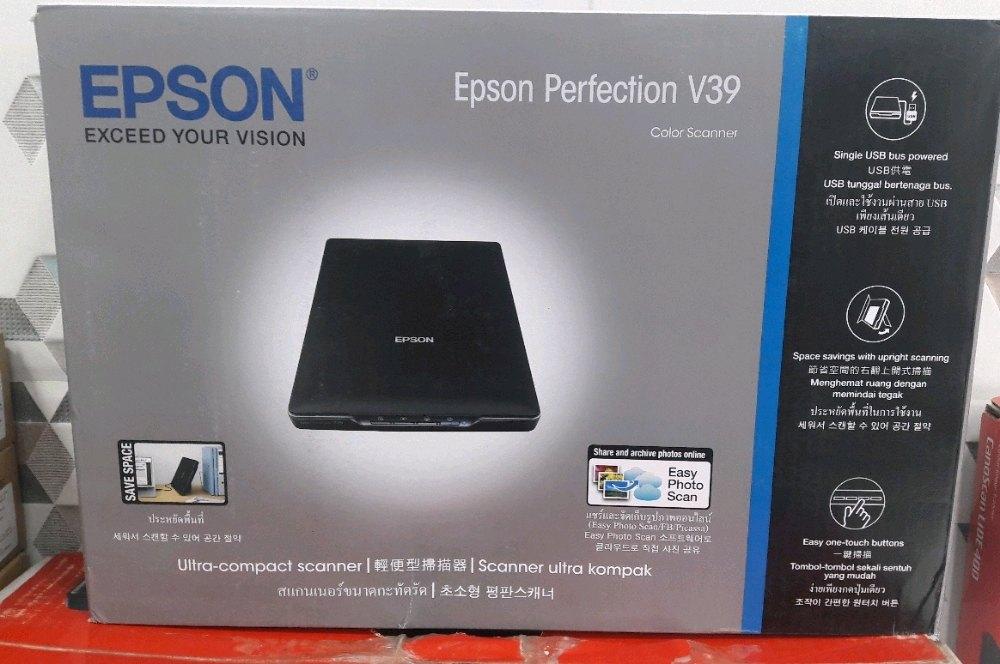
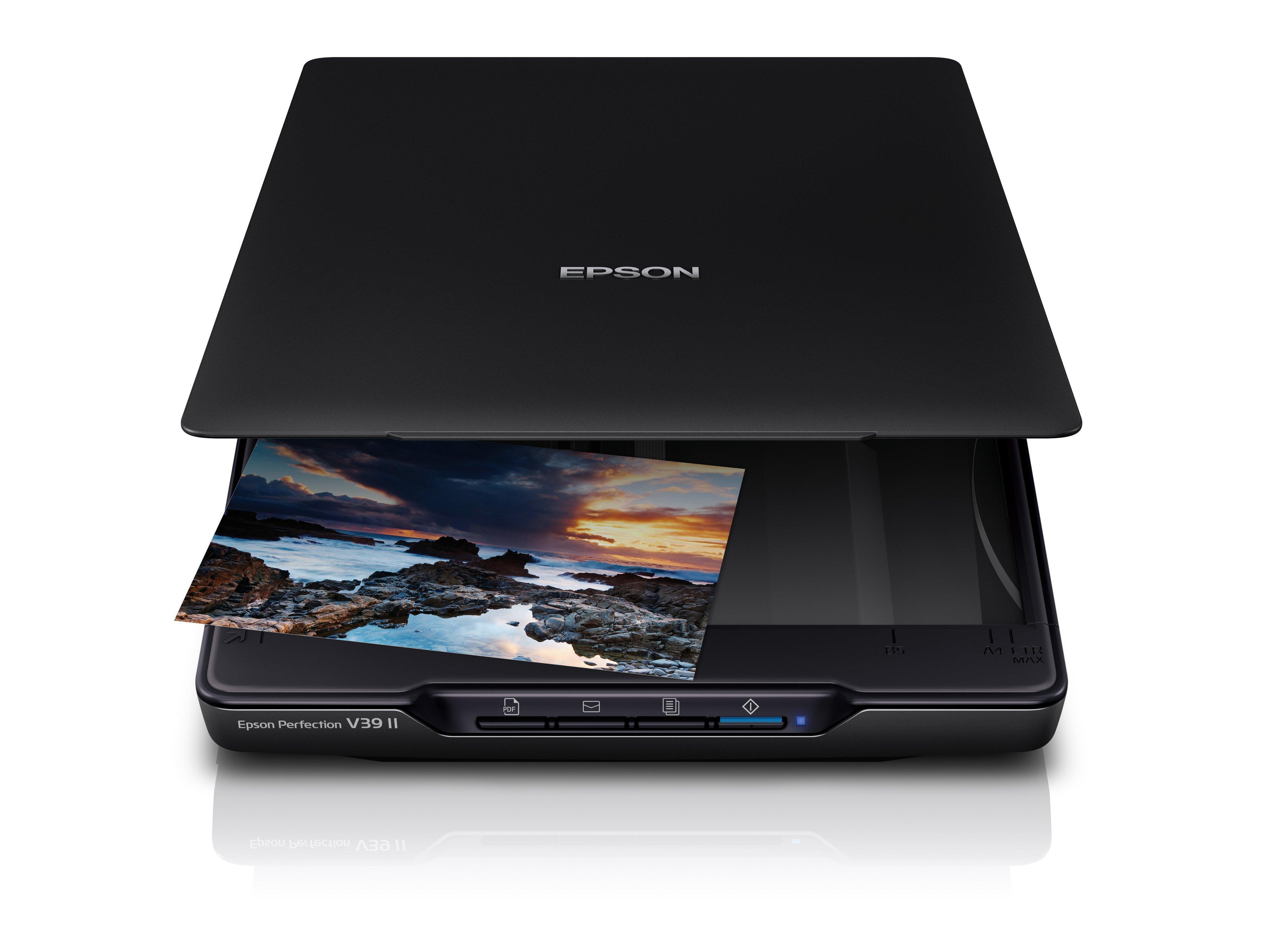
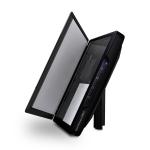
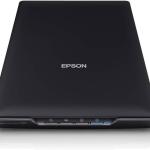
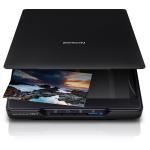
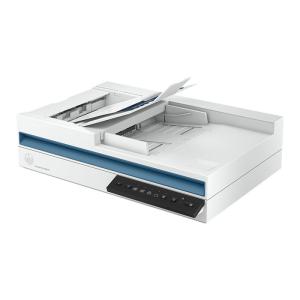
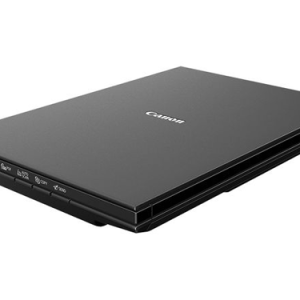
The Epson Perfection V39 II (B11B268201) is a compact, USB-powered flatbed photo and document scanner designed for home users, hobbyists, and light office use. It delivers professional-grade image quality in a space-saving footprint, making it ideal for digitising photos, negatives, artwork, books, and everyday documents. Below is a full technical and practical breakdown.
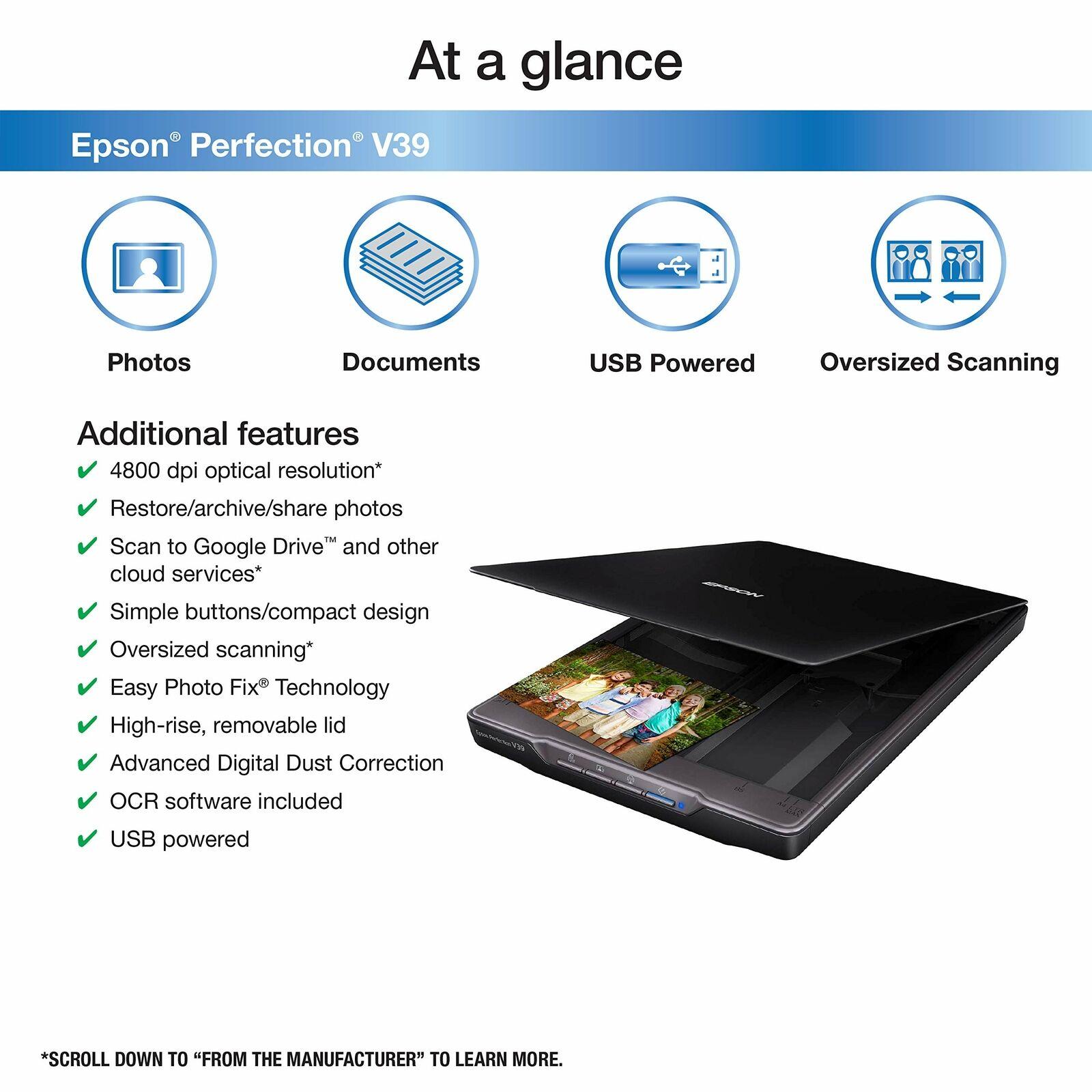
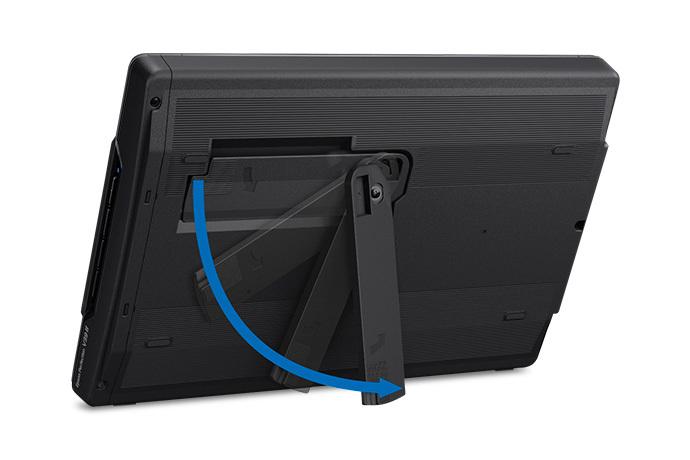
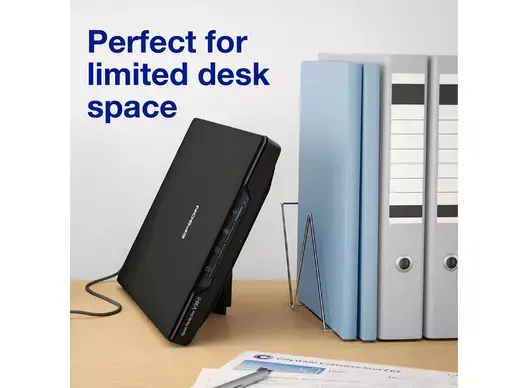
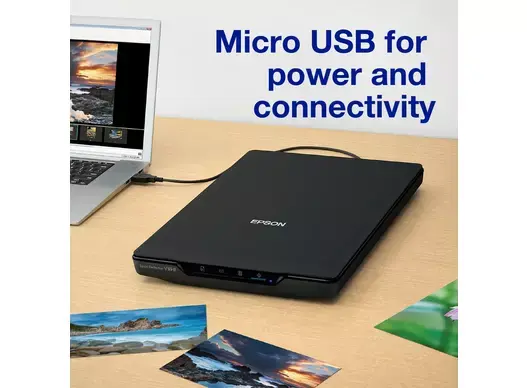
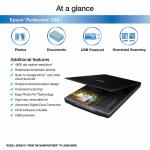
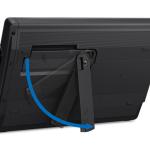
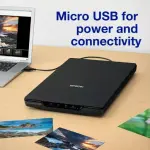
General Specifications Scanner Type: Flatbed colour image scanner (CIS – Contact Image Sensor) Model Number: B11B268201 (V39 II) Release Year: 2023 (updated version of original V39) Dimensions (W x D x H):Closed: 9.9 x 14.4 x 1.7 inches (251 x 366 x 43 mm) Scanning: 9.9 x 11.8 x 1.7 inches (251 x 300 x 43 mm) Weight: 3.4 lbs (1.54 kg) Color: Black with silver trim Power Source: USB-powered only (no AC adapter required) Power Consumption: 2.5W (scanning), 1.1W (ready), 0.4W (sleep) Certifications: ENERGY STAR®, RoHS compliant Scanning Performance Optical Resolution: 4800 x 4800 dpi (hardware) Interpolated Resolution: Up to 12,800 x 12,800 dpi (via software) Color Depth:Input: 48-bit Output: 24-bit Grayscale: 16-bit input / 8-bit output Scan Speed (at 300 dpi):Color: ~10 seconds per page Monochrome: ~10 seconds per page Maximum Document Size: 8.5 x 11.7 inches (A4/Letter) Scan Area: 8.5 x 11.7 inches (216 x 297 mm) Light Source: RGB LED (long-life, instant warm-up) Design & Build Flatbed Lid: High-rise, fully removable with 180° hinge for thick items (books, magazines, 3D objects) Kickstand: Built-in vertical stand for space-saving storage Interface: 4 one-touch buttons (Scan, Copy, Email, PDF) Housing: Durable matte plastic; fingerprint-resistant finish Portability: Ultra-light and compact; fits in laptop bags Connectivity & Compatibility Connection: USB 2.0 (Micro-B port) OS Support:Windows 7/8/10/11 macOS 10.11.x and later (including Apple Silicon via Rosetta) Drivers:TWAIN WIA (Windows) ICA (macOS) Mobile Scanning: Via Epson Smart Panel app (iOS/Android) when connected to PC Software Suite Epson ScanSmart Software (included) One-Touch Scanning: Auto crop, rotate, and enhance OCR: Convert scanned docs to editable Word/Excel/PDF Cloud Upload: Direct to Google Drive, Dropbox, OneDrive Stitching Mode: Combine multiple scans into one large image (e.g., A3 from two A4 scans) File Formats: PDF, Searchable PDF, JPEG, PNG, TIFF, BMP Additional Tools Easy Photo Fix:Auto color restoration Dust removal Grain reduction Backlight correction Document Capture Pro (Windows only): Advanced workflow automation Media Handling Supported Media:Photos (up to 8.5 x 11.7") Documents (single-sheet, receipts, business cards) Books/magazines (with lid removed) 3D objects (low-profile) No ADF – manual single-sheet feeding only Thickness Limit: Up to ~1 inch with lid removed Image Quality & Use Cases Use Case Performance Photo Archiving Excellent – 4800 dpi captures fine details; color restoration revives faded prints Document Digitization Very good – sharp text, searchable PDFs Art & Crafts Great for scanning sketches, watercolors, or scrapbook pages Film/Negatives Not supported (no transparency unit) High-Volume Office Not ideal (no ADF, manual feed only)
Maintenance & Durability Cleaning: Glass platen wipes clean with microfiber; no rollers to replace LED Lifespan: ~30,000 hours (practically lifetime) Warranty: 1-year limited hardware warranty Consumables: None (no ink, no lamps) Pros & Limitations Pros Limitations USB-powered (no outlet needed) No automatic document feeder 4800 dpi for photo-quality scans Manual feeding only Lightweight & vertical storage No film/negative scanning Excellent software bundle USB 2.0 only (slower data transfer) Affordable price point